Two live demos from Nashville: how far Conditional Access and restricted AUs reach
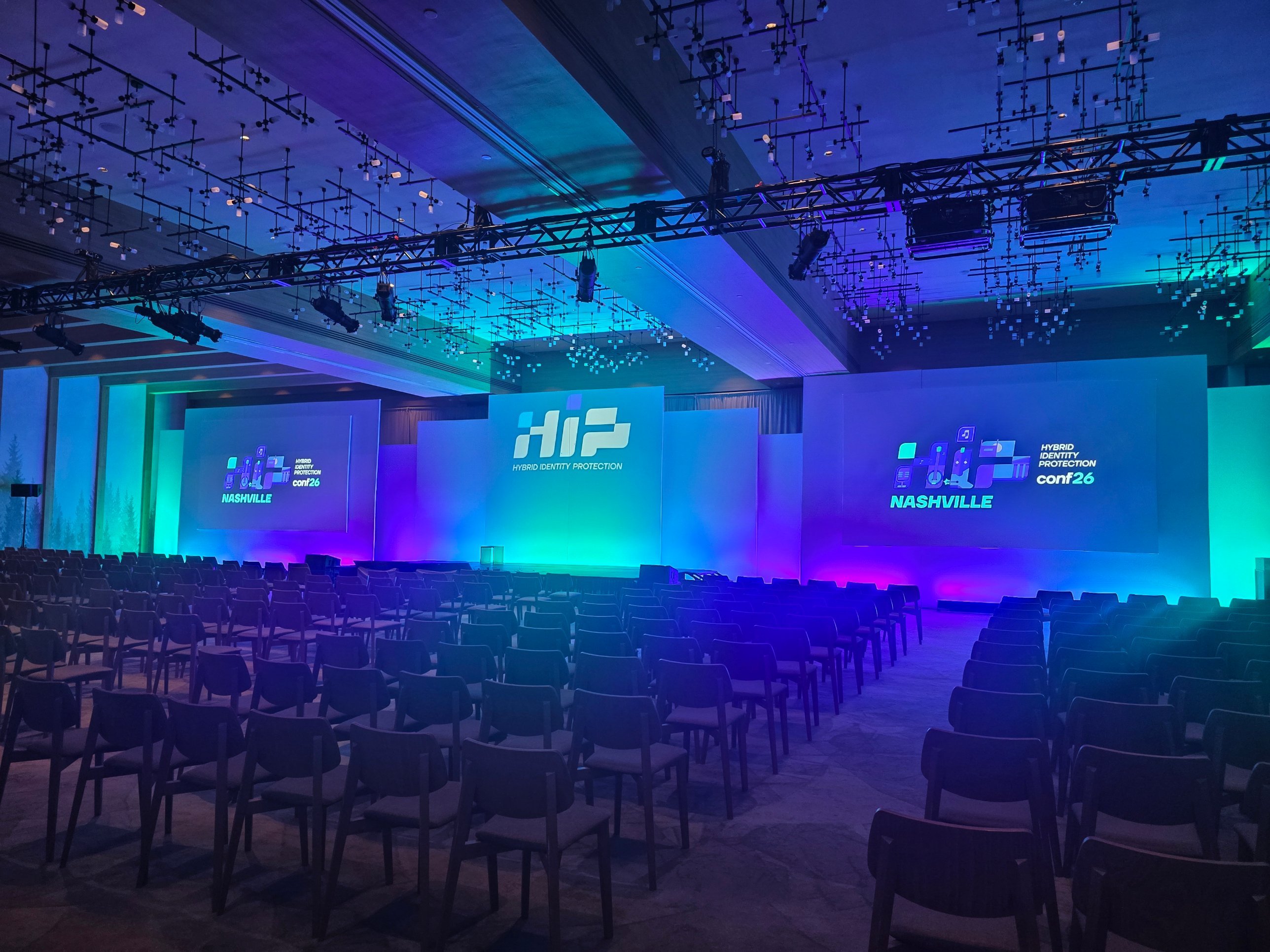
On September 10 I was on stage at HIP Conf 26 in Nashville, talking about a shared Entra ID tenant for critical infrastructure. What makes that tenant unusual is that the admins sign in as B2B guests from their own organization, including the people holding the most powerful roles. It’s a good story, but this post is mostly about the two demos I ran live. That’s where the stuff you can actually use in your own tenant tomorrow lives.
And yes, something broke. I’ll get to that.
Demo 1: protect the action, not just the role
The starting point: hard deleting a soft deleted object can’t be undone, so you don’t want every admin to be able to do it on a whim. In Entra ID that hard delete is a Protected Action (
Lesson 1: a control has to hold up against the person on screen
Earlier versions of this demo had me running as Global Administrator. It looks impressive, but it proves nothing. A GA just removes the policy and deletes the user anyway. So in Nashville I used an account with User Administrator. That role can permanently delete a user but has no rights on Conditional Access at all. It can’t get around the control by switching it off, and that’s what makes the demo honest.
The result: the hard delete came back with
Lesson 2: a 403 caused by limited tooling isn’t a control
Next up, a pipeline service principal holding the same role, using a regular client. That got a
Lesson 3: workloads can just ask for the claim themselves
Then the same service principal requested the c2 claim itself in its token request. Result:
A Conditional Access policy on an authentication context stops people. A workload that asks for the claim itself walks right past it. If you use this pattern and you have service principals in your tenant with roles that can perform the protected action, you have the same gap.
The fix is a workload identity Conditional Access policy aimed directly at the service principal. Then it doesn’t even get a token:
microsoft.directory/deletedItems/delete). We bound it to authentication context c2, and a Conditional Access policy blocks c2 for everyone except break-glass.Lesson 1: a control has to hold up against the person on screen
Earlier versions of this demo had me running as Global Administrator. It looks impressive, but it proves nothing. A GA just removes the policy and deletes the user anyway. So in Nashville I used an account with User Administrator. That role can permanently delete a user but has no rights on Conditional Access at all. It can’t get around the control by switching it off, and that’s what makes the demo honest.
The result: the hard delete came back with
401 Authorization_ConditionalAccessRequired. Break-glass made the exact same call and got a 204.Lesson 2: a 403 caused by limited tooling isn’t a control
Next up, a pipeline service principal holding the same role, using a regular client. That got a
403 Authorization_RequestDenied. Great, you’d think. Except that refusal has nothing to do with our policy. The client simply can’t do the authentication context handshake. That’s luck, not security.Lesson 3: workloads can just ask for the claim themselves
Then the same service principal requested the c2 claim itself in its token request. Result:
204, user gone. That’s when the room went quiet.A Conditional Access policy on an authentication context stops people. A workload that asks for the claim itself walks right past it. If you use this pattern and you have service principals in your tenant with roles that can perform the protected action, you have the same gap.
The fix is a workload identity Conditional Access policy aimed directly at the service principal. Then it doesn’t even get a token:
AADSTS53003. That policy does need a separate license (Workload ID Premium), and binding it to an authentication context went through the beta Graph API for us. The underlying pattern is GA for people today: guard the action and shut the context. Just don’t forget your workloads. Demo 2: scope beats privilege
The classic road to tenant takeover runs through applications. You get hold of something with Application Administrator or
We put our Tier 0 applications in a restricted management administrative unit, with Application Administrator scoped to that AU. In the demo:
That last step looks unnecessary, but it’s the most important one. Without it you don’t know whether the attacker was stopped by the AU or by something else that happened to fail. With it, you know the wall is exactly where you think it is.
Lesson 5: put both the app registration and the service principal in the AU
We found this one during testing. Add only the app registration, or only the service principal, and you leave a door open. That’s why every app shows up twice in the AU’s member list, and that’s exactly how it should look.
Lesson 6: undocumented is a bonus layer, not a foundation
Apps as AU members and Application Administrator scoped to an AU aren’t in Microsoft’s documentation, but both are enforced at runtime. We treat it as an extra layer, with drift detection and a recurring test underneath. If it starts behaving differently tomorrow, we want to notice before an attacker does.
Application.ReadWrite.All, add a credential to a privileged app, sign in as that app, and you’re in.We put our Tier 0 applications in a restricted management administrative unit, with Application Administrator scoped to that AU. In the demo:
- An attacker with tenant-wide Application Administrator,
Application.ReadWrite.Alland owner runsaddPasswordon an app inside the AU and gets403 Forbidden. - An operator with Application Administrator scoped to the AU makes the same call and gets a
200, with a real credential in the response (masked on screen). - The attacker makes the same call against an app outside the AU and also gets a
200.
That last step looks unnecessary, but it’s the most important one. Without it you don’t know whether the attacker was stopped by the AU or by something else that happened to fail. With it, you know the wall is exactly where you think it is.
Lesson 5: put both the app registration and the service principal in the AU
We found this one during testing. Add only the app registration, or only the service principal, and you leave a door open. That’s why every app shows up twice in the AU’s member list, and that’s exactly how it should look.
Lesson 6: undocumented is a bonus layer, not a foundation
Apps as AU members and Application Administrator scoped to an AU aren’t in Microsoft’s documentation, but both are enforced at runtime. We treat it as an extra layer, with drift detection and a recurring test underneath. If it starts behaving differently tomorrow, we want to notice before an attacker does.
Intermission: the demo that died ten seconds before showtime
Both demos ran live from the terminal with real Graph calls. Everything was scripted, nothing was typed or pasted live, and secrets were masked. They’d been tested dozens of times and had never failed once. Still, a few hours before the session I recorded them anyway, just in case. No particular reason.
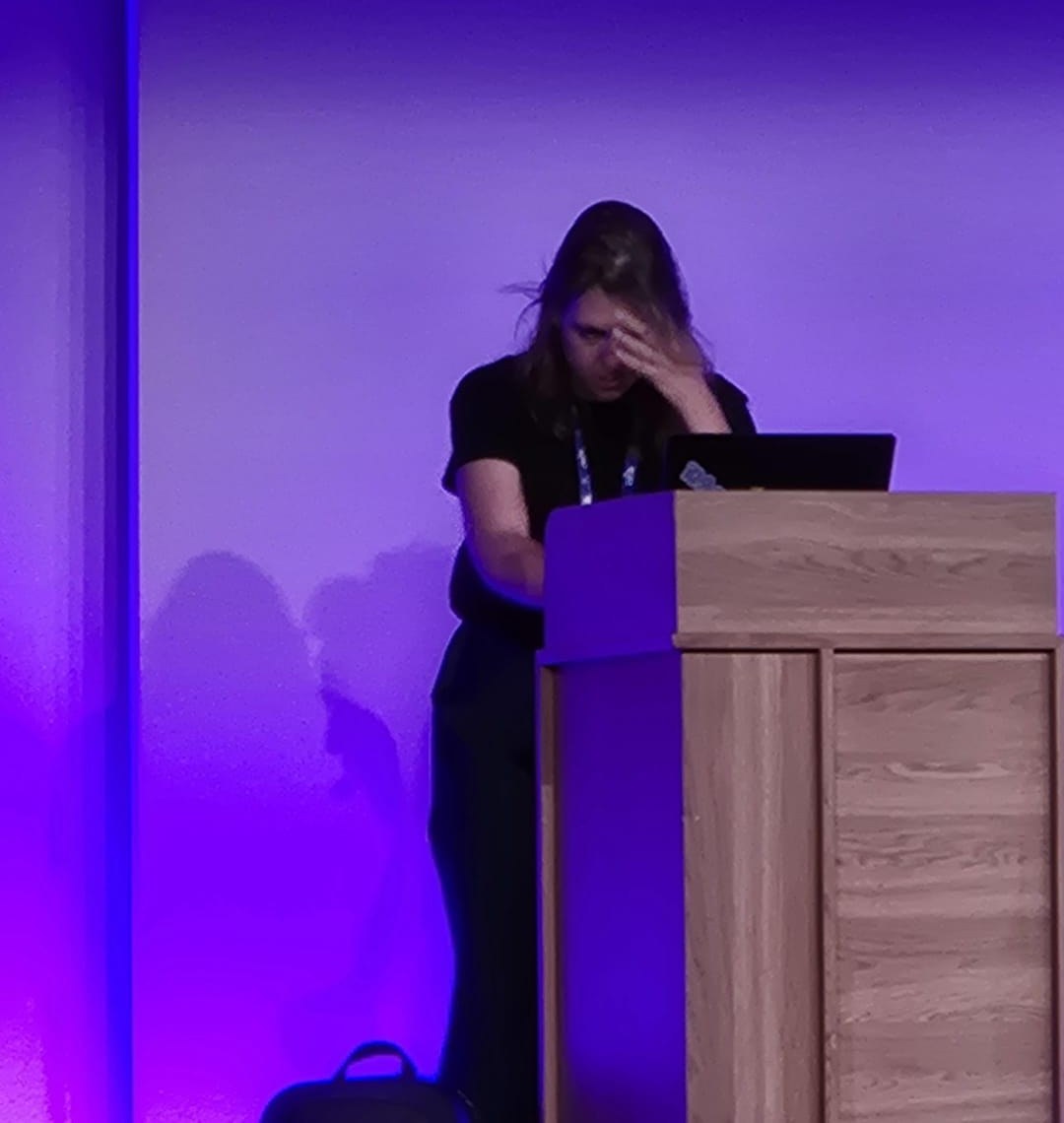
You’d think this is the moment it all went wrong. Sorry to ruin the story: this is the tech check the day before, and everything worked.
Ten seconds before I started, the demo 1 script told me it couldn’t create the victim user. You can watch me wrestle with that in front of a full room in the session recording: Building a Shared Entra ID Tenant for Critical Infrastructure. I recommend it, if only to watch me take on the demo gods (and to see that I’m so damn stubborn I only reach for the recording at the very end).
In the end I just carried on with the talk. Demo 2 ran fine, and I played demo 1 from the recording at the end.
The cause was almost embarrassingly simple. Demo 1 destroys its own victim, so the script creates a fresh user every run, always with the same UPN. A user from an earlier run was still sitting in soft delete, and a soft deleted user keeps its UPN. So creating a new user with that name fails.
The fix is just as simple: give every run a unique name.
Ten seconds before I started, the demo 1 script told me it couldn’t create the victim user. You can watch me wrestle with that in front of a full room in the session recording: Building a Shared Entra ID Tenant for Critical Infrastructure. I recommend it, if only to watch me take on the demo gods (and to see that I’m so damn stubborn I only reach for the recording at the very end).
In the end I just carried on with the talk. Demo 2 ran fine, and I played demo 1 from the recording at the end.
The cause was almost embarrassingly simple. Demo 1 destroys its own victim, so the script creates a fresh user every run, always with the same UPN. A user from an earlier run was still sitting in soft delete, and a soft deleted user keeps its UPN. So creating a new user with that name fails.
The fix is just as simple: give every run a unique name.
stamp=$(date +%Y%m%d%H%M%S)
nick="demo-victim-$stamp"
upn="$nick@<tenant>.onmicrosoft.com"
Now it doesn’t matter what’s still lying around in the recycle bin.
Wrapping up
What I mostly took home from Nashville: nearly all the feedback was about the demos. Not because they were flashy, but because they tied lesser known, undocumented and preview features together into one real use case, including the spot where it breaks and how you close it. One demo that shows where your control stops is worth more than ten where everything just works.
And record your demo. Even if it’s never failed. Especially then.
And record your demo. Even if it’s never failed. Especially then.